DJI’s Mini series is one of the most popular choices for people buying their first camera drone. The line is designed around a takeoff weight under 250 grams in standard configurations, which matters for regulations in several countries. Over several generations, the Minis have added better cameras, obstacle sensing and longer range.
Because DJI releases new models and keeps older ones on sale, buyers often face several Mini options at once. This guide explains the features that differ between generations so you can compare current models using DJI’s official spec pages and up-to-date reviews. We do not list exact specs here, since they change by model, region and firmware.
Why the 250-Gram Class Matters
In the United States, recreational flyers do not need to register drones that weigh under 250 grams, though all recreational flyers must pass the free TRUST safety test and follow FAA rules. Commercial use generally requires a Part 107 certificate regardless of weight. Other countries have their own thresholds.
Important: accessories like larger “Plus” batteries can push some Minis over 250 grams, which changes registration and Remote ID requirements. Check the official weight of each configuration. See our drone rules for beginners.
Key Differences Between Mini Generations
Camera Sensor and Image Quality
Newer Minis have generally moved to larger sensors and better low-light performance. Compare:
- Sensor size
- Aperture
- Photo resolution
- Video resolution and frame rates
- HDR and log/color profiles
True Vertical Shooting
Some Minis can rotate the gimbal for vertical photos and video, useful for social media.
Obstacle Sensing
Entry models may have downward sensors only, while higher models add forward, backward or omnidirectional sensing. Obstacle sensing helps beginners avoid crashes, but it is not a substitute for careful flying.
Subject Tracking
Higher-tier Minis often include subject tracking and automated shots. Check which modes are available in your region and model.
Flight Time and Batteries
Flight time varies by model and battery type. Real-world flight time is shorter than rated times due to wind, temperature and flying style. Many buyers choose “Fly More” bundles with extra batteries and a charging hub.
Transmission and Range
Newer transmission systems offer more stable video links. Legal limits still require you to keep the drone within visual line of sight in many countries.
Wind Resistance
Light drones can struggle in wind. Check wind resistance ratings and avoid flying in gusty conditions.
Controllers
Options include a standard controller that uses your phone and a controller with a built-in screen. Screen controllers are convenient but add cost.
Choosing Between Older and Newer Models
Older or Entry Models
Pros: Lower cost, simpler, good for learning.
Cons: Fewer sensors, smaller sensors, fewer smart features.
Newer or Pro-Tier Models
Pros: Better image quality, obstacle sensing, tracking and vertical shooting.
Cons: Higher cost.
If you mainly want to learn to fly, an entry model can be enough. If photo and video quality matter, a newer higher-tier Mini is often worth it.
Accessories to Consider
- Extra batteries and a charging hub
- ND filters for smoother video in bright light
- Propeller guards for learning
- Landing pad
- Carrying case
- Spare propellers
- Memory cards. See memory cards explained.
Insurance and Care Plans
DJI offers care plans in some regions that cover accidental damage. Third-party drone insurance is also available. Consider your risk and budget.
Learning to Fly Safely
- Start in an open area away from people
- Practice basic maneuvers
- Use beginner modes if available
- Check battery levels and weather
- Respect privacy and avoid flying over people
Editing Drone Footage
Drone photos and video benefit from editing. See our photo editing workflow and Lightroom presets guide.
Alternatives
Other brands make small drones, and DJI also sells larger drones with bigger sensors. Compare options against your budget and rules.
Choosing Where to Practice
Find a large, open area such as an empty field away from people, buildings, trees and power lines. Check that the area allows drones, since many parks, private properties and municipal spaces have restrictions. Use an FAA-approved app to confirm airspace status before each flight.
Practicing Core Skills
Beginners benefit from practicing a short list of maneuvers until they feel natural:
- Hovering steadily at a fixed height
- Flying squares with the drone facing forward
- Orbits around a fixed object
- Smooth reveals, flying forward while tilting the camera up
- Landing precisely on a pad
Practice at low altitude and slow speeds. Smooth, slow movements also produce better-looking video.
Understanding Return-to-Home
Most DJI drones include a return-to-home feature that brings the drone back if the signal is lost or the battery is low. Set the return altitude higher than nearby obstacles, and learn how to cancel and resume control. Return-to-home relies on GPS and a recorded home point, so wait for a strong GPS lock before takeoff.
Registering Accessories and Firmware
Keep your drone, controller and batteries updated through the official app. Firmware updates can add features, fix bugs and sometimes change regional settings. Update at home on a reliable connection rather than in the field, and check release notes for changes that affect flight behavior.
Weighing Your Setup
If you add accessories such as propeller guards, larger batteries or filters, weigh the complete setup on a kitchen scale. This simple check tells you whether you remain under the 250-gram threshold, which affects U.S. registration and Remote ID requirements for recreational flying.
Practicing in a Simulator
Some apps and controllers support flight simulators that let you practice without risking the drone. Even a short session helps you learn the stick layout and how the drone responds, making your first real flights calmer.
Frequently Asked Questions
Do I need to register a DJI Mini?
In the U.S., recreational drones under 250 grams generally do not require registration, but weight with accessories matters. Commercial use has different rules.
Do all recreational flyers need the TRUST test?
Yes, in the U.S. recreational flyers must pass TRUST.
Is obstacle avoidance necessary?
It helps beginners but does not replace careful flying.
Is the Fly More bundle worth it?
Extra batteries extend flying time and are popular.
Can I fly anywhere?
No. Airspace restrictions, local rules and private property matter.
The Bottom Line
Compare DJI Mini drones by camera quality, obstacle sensing, tracking, battery options and weight class. Verify current specs and regulations, start with safe practice and budget for extra batteries and accessories.
Editorial note: Shutter Roost is independent and reader-supported. This guide is based on research into manufacturer documentation, published specifications and widely accepted best practices; we have not been paid to mention any product. If we add affiliate links in the future, they will be clearly disclosed per our Affiliate Disclosure.
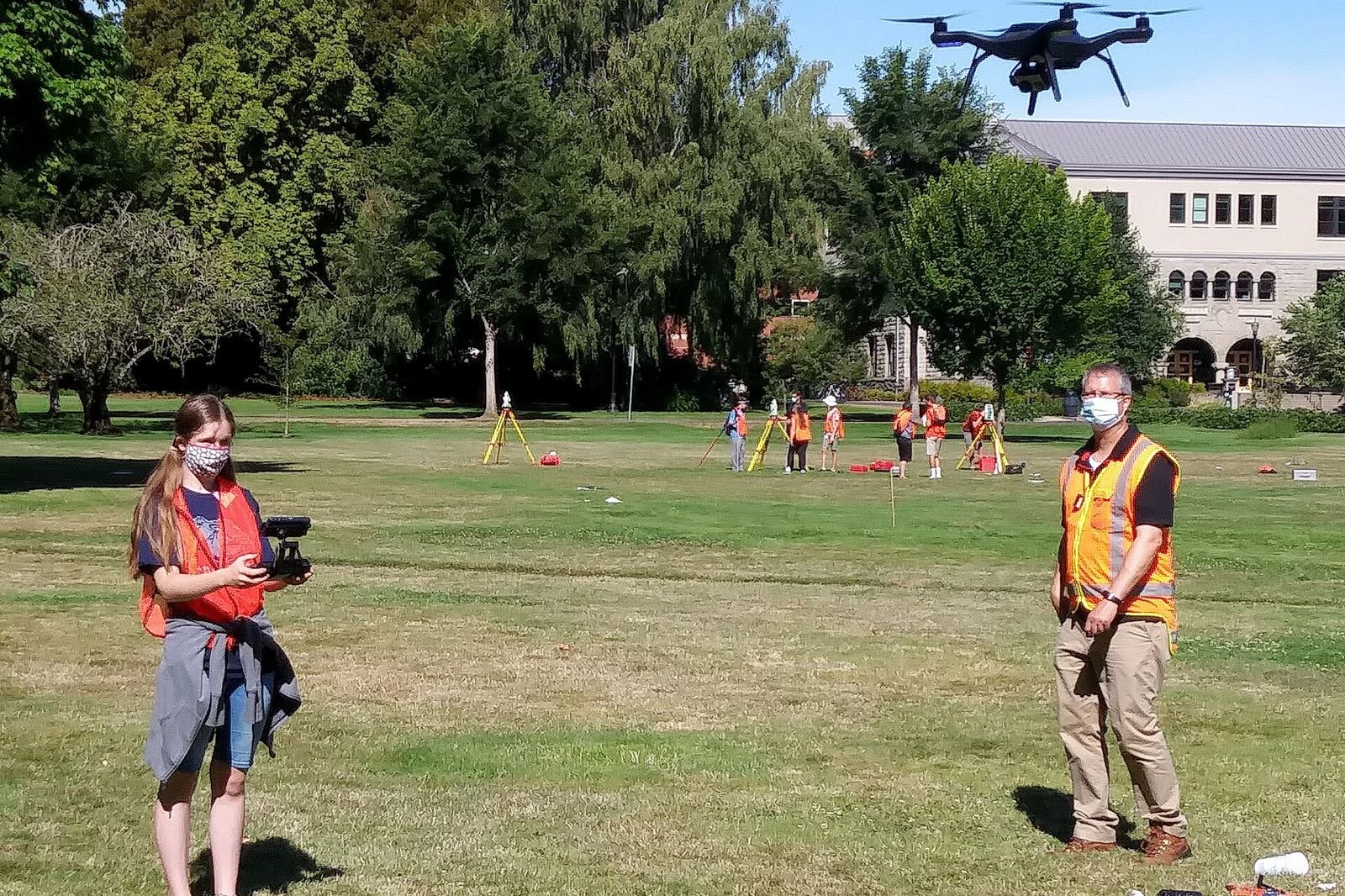
Photo: Drone flying and surveying by Oregon Department of Transportation, CC BY 2.0